


Know your stock, your margin and who owes you
The Back Office is where the business is run: items and prices, receiving stock, stocktakes, suppliers and customers, and the reports that tell you what sold and what it cost. Rebuilt for Windows 11 with the same look as the till.
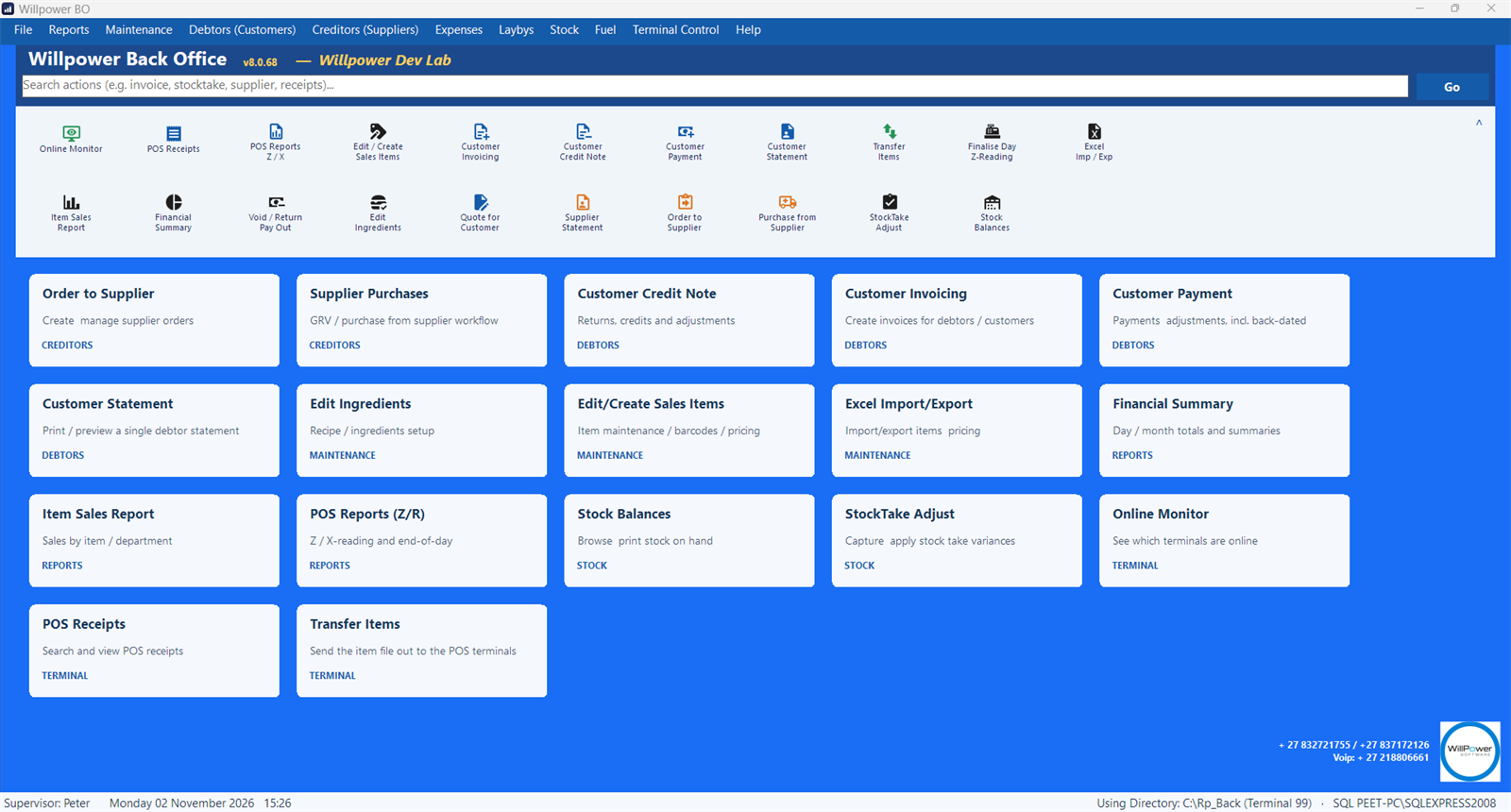
Photograph the invoice. The GRV fills itself.
Take a photo of the supplier invoice or save the PDF, and the Back Office reads it, matches each line to your items, asks about pack sizes it is not sure of, and builds the goods received voucher. Line discounts, blanket discounts and settlement discounts are all costed correctly.
- Supplier invoice photo or PDF read automatically
- Barcode scanning on the GRV line
- Supplier orders with minimum and maximum re-order levels
- Last purchase date and cost tracked per item
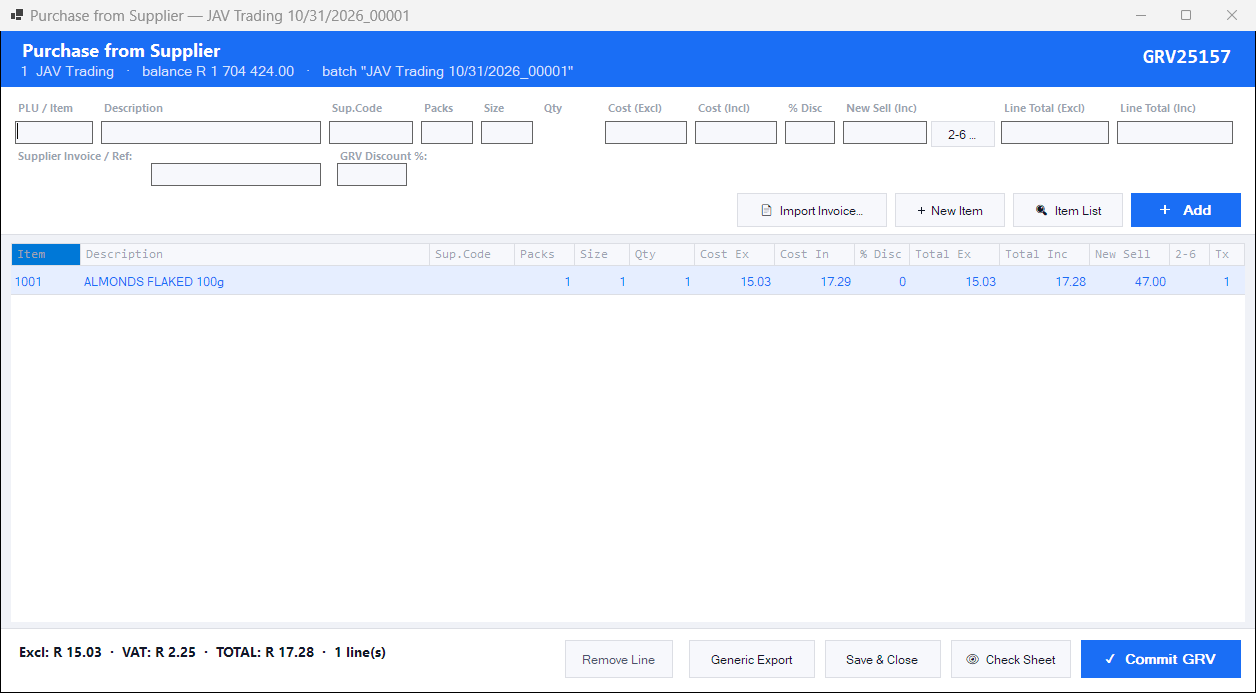
Everything the shop needs
Items and pricing
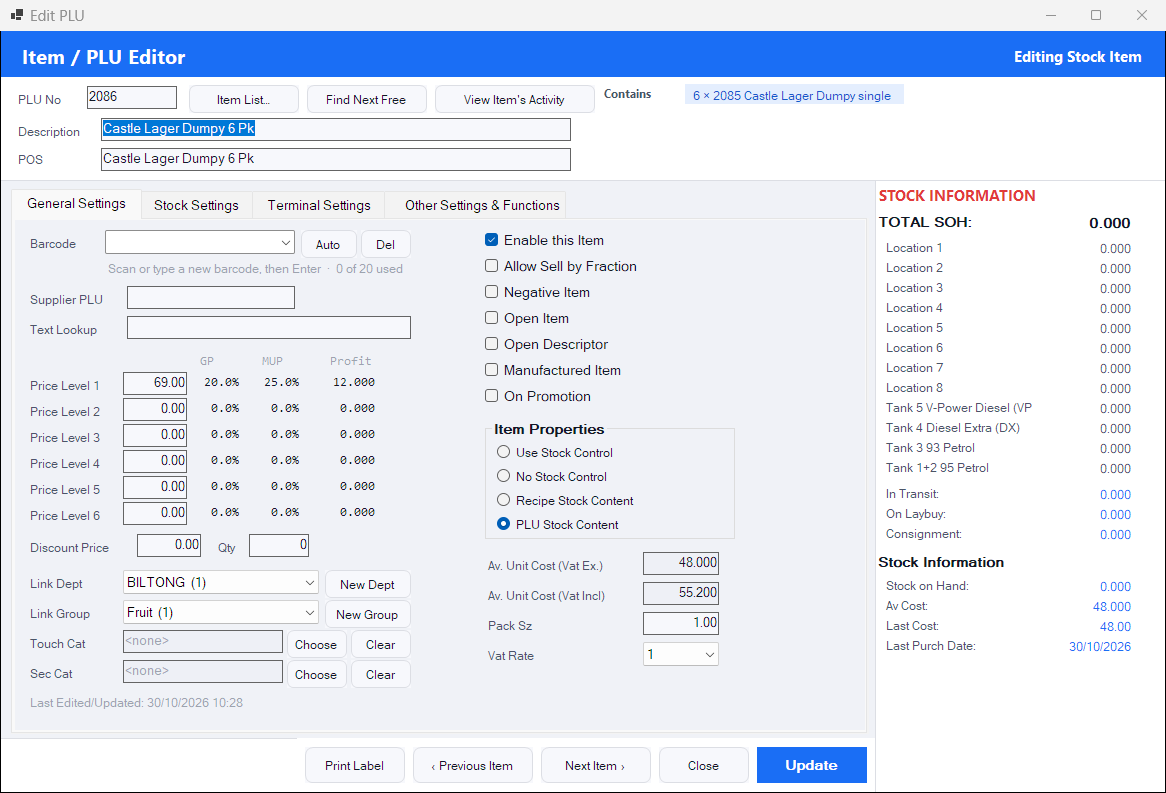
Barcodes, pack and content links (case to bottle), margins, linked items, promotions, and price updates across similar items in one go.
Stock control
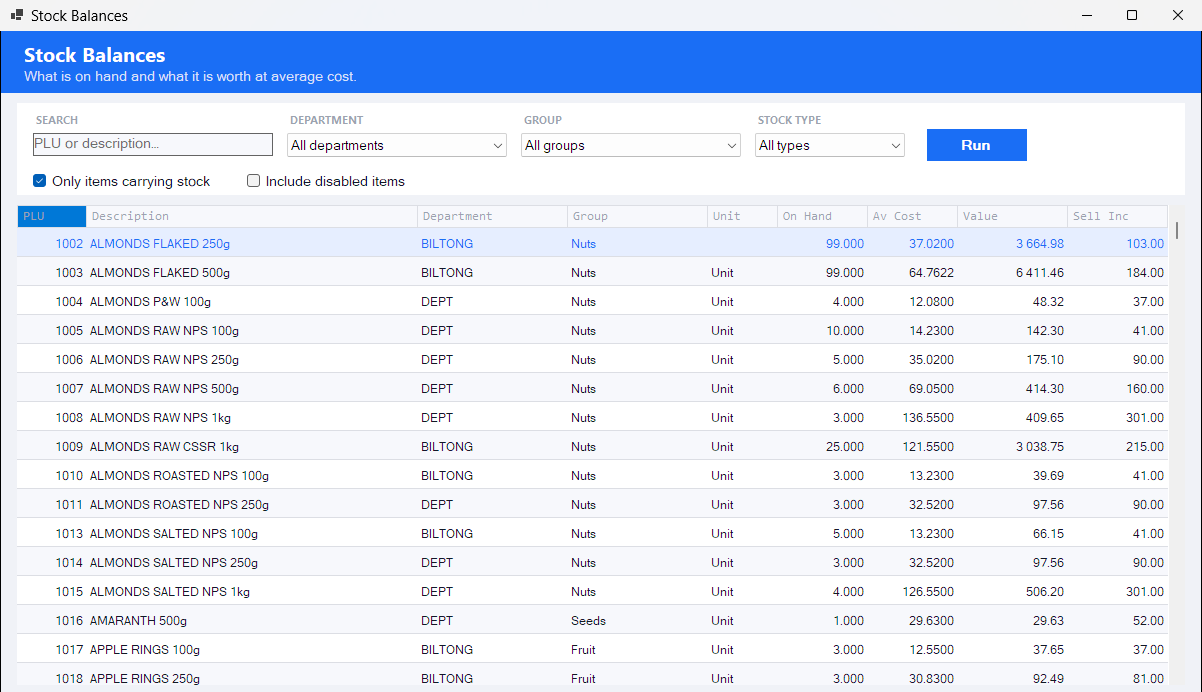
Adjustments, relocations between stores, stocktakes and major stocktakes, raw stock and recipes, and stock reports by purchase, cost and retail value.
Creditors
Supplier accounts, payments, returns, expenses with VAT capture, and creditor reports that match your supplier statements.
Debtors
Customer accounts, invoices and quotations, statements printed or emailed on your letterhead, payments and balances, and blocks that the till enforces.
Laybys, vouchers and VIPs
Manage laybys and gift vouchers, VIP customers with parked credit, and pinboard notices for the cashiers.
Terminal control
Set up every till from the Back Office: receipts, printers, barcode rules, touch categories, fast keys, access cards and feature switches.
Several businesses, one PC
Run more than one business from the same Back Office installation, each with its own database and settings.
Prints and emails
Statements, invoices and reports on A4 or an 80 mm slip, with your letterhead, printed or emailed straight from the screen.
Fits small screens
Every screen fits a 1024 × 768 touch unit, so the Back Office can run on the till if that is all the shop has.
A closer look
Bring a supplier invoice to the demo
We will show you the GRV capturing it.